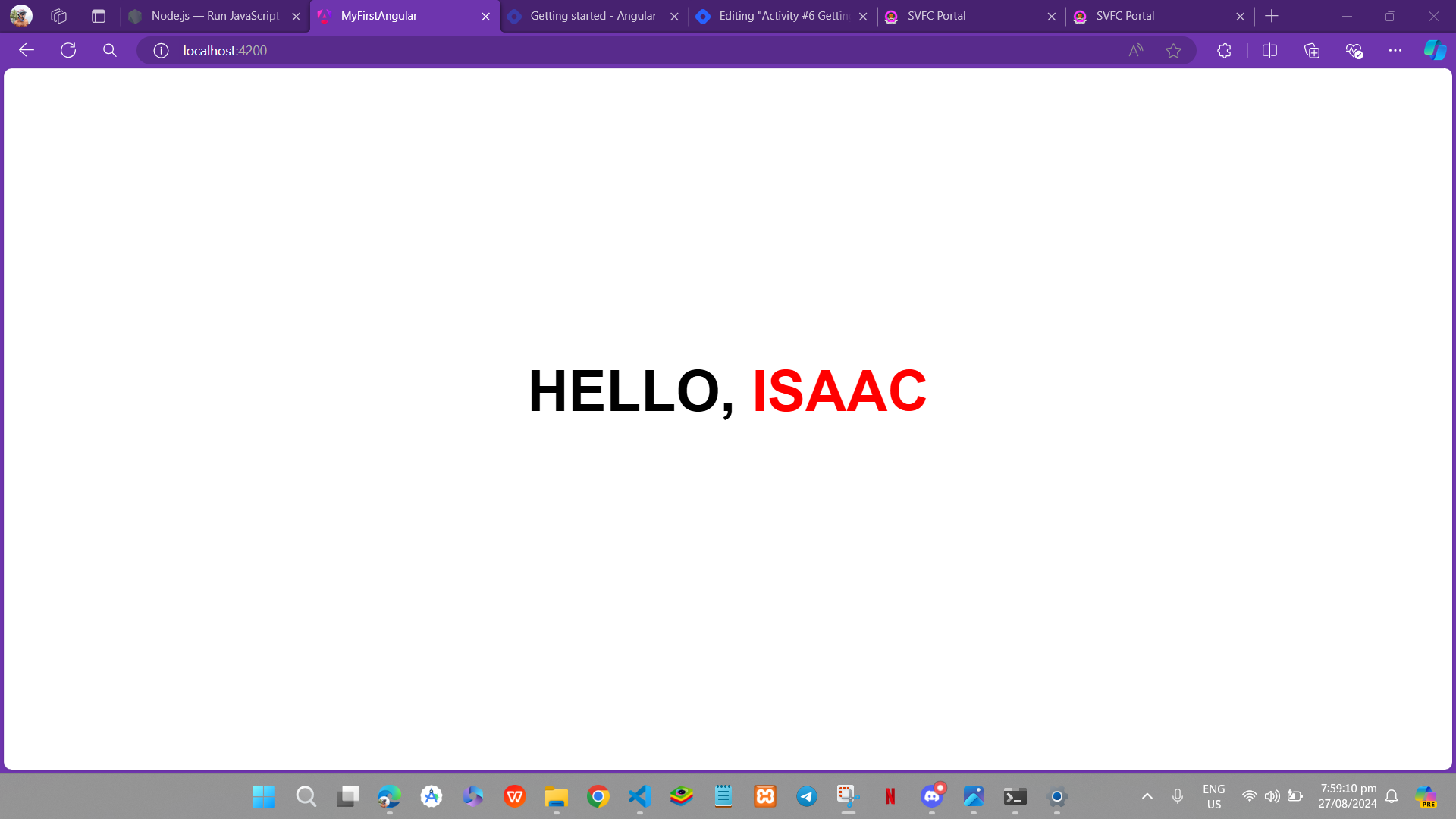
Activity #6 Getting Started with Angular
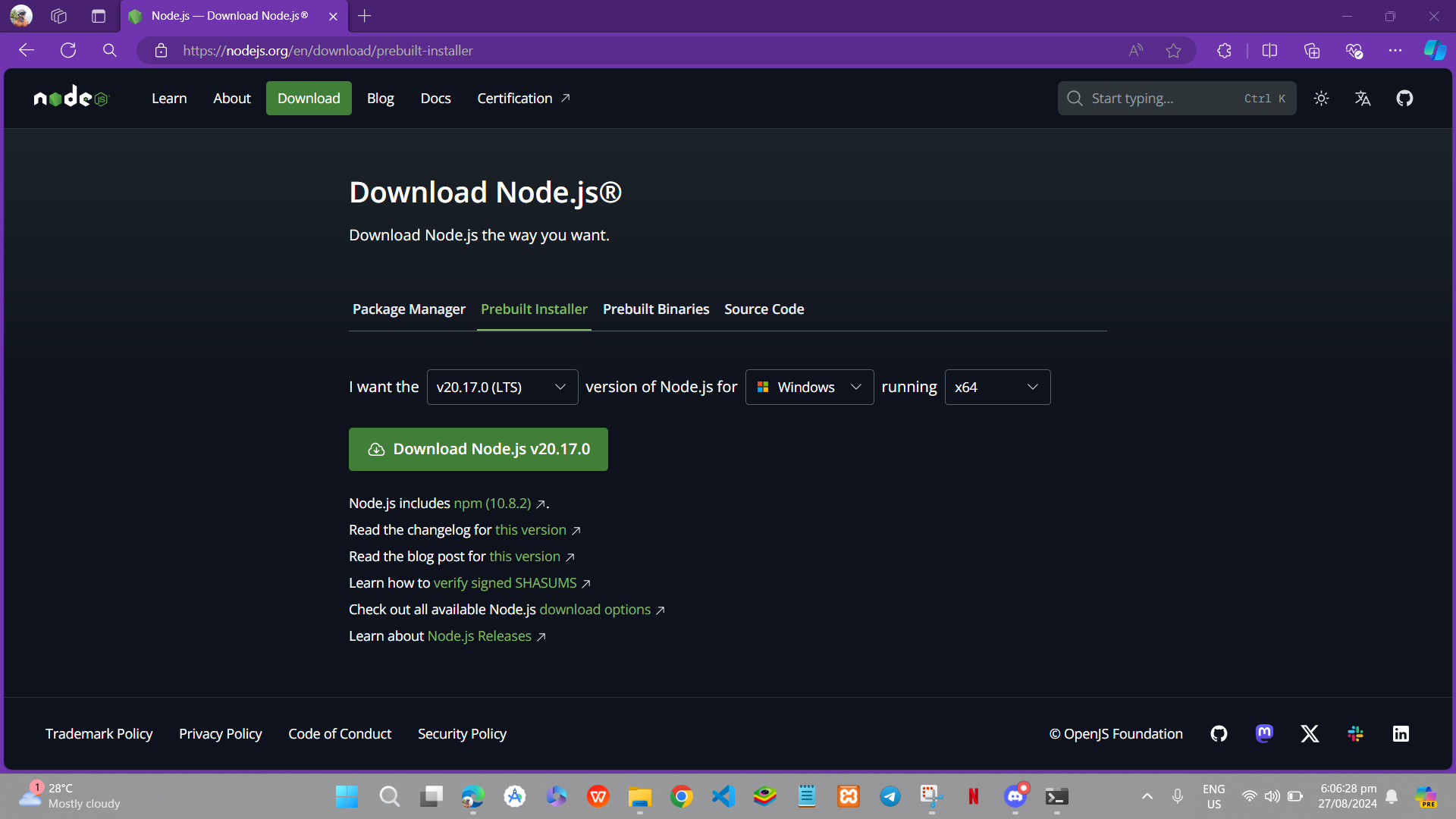
Step # 01: Download the Node.js
Download the node.js LTS version in your browser and their official website Node.js — Run JavaScript Everywhere (nodejs.org)
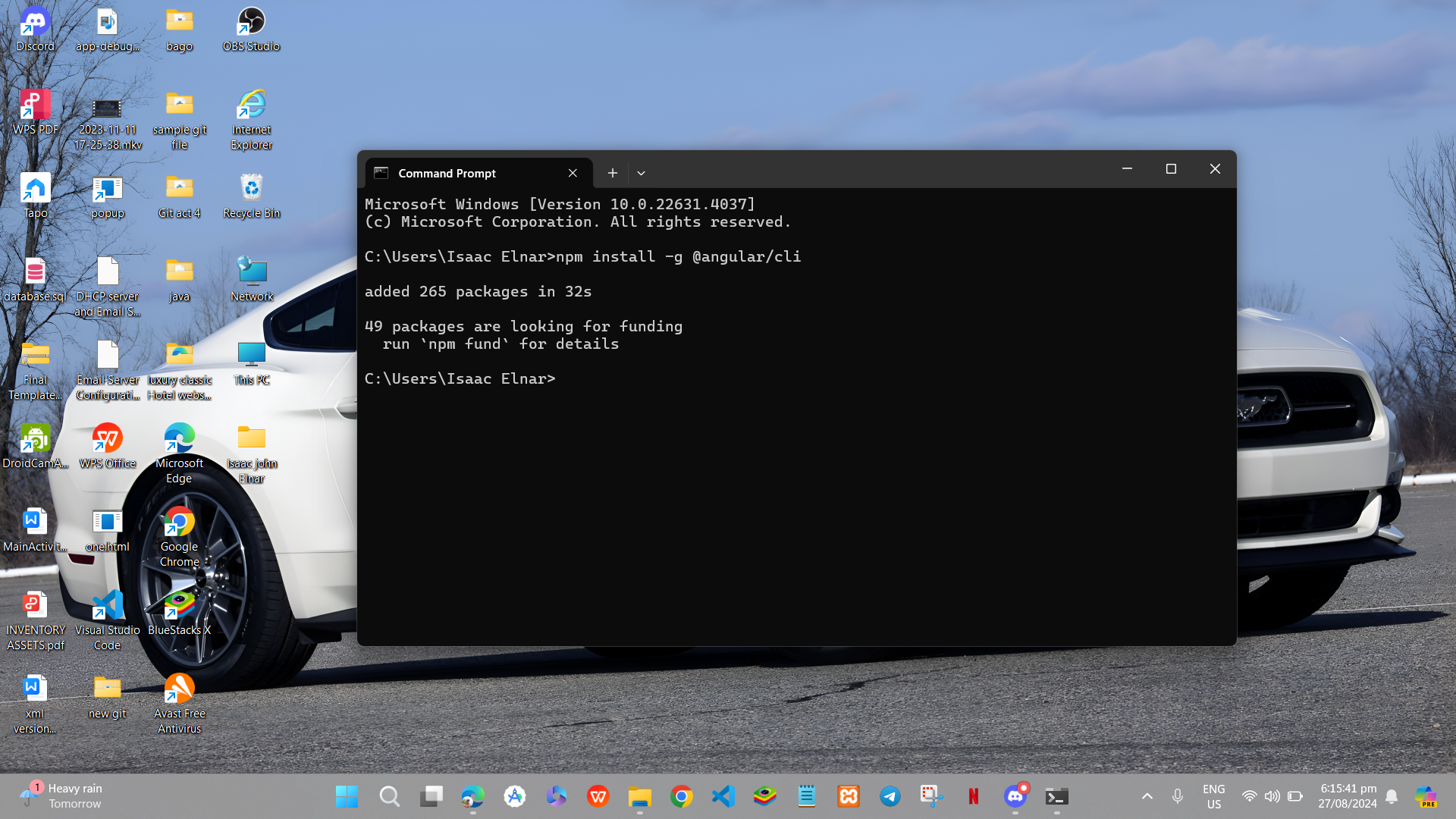
Step # 02: Install the angular
install angular using this command "npm install -g @angular/cli"
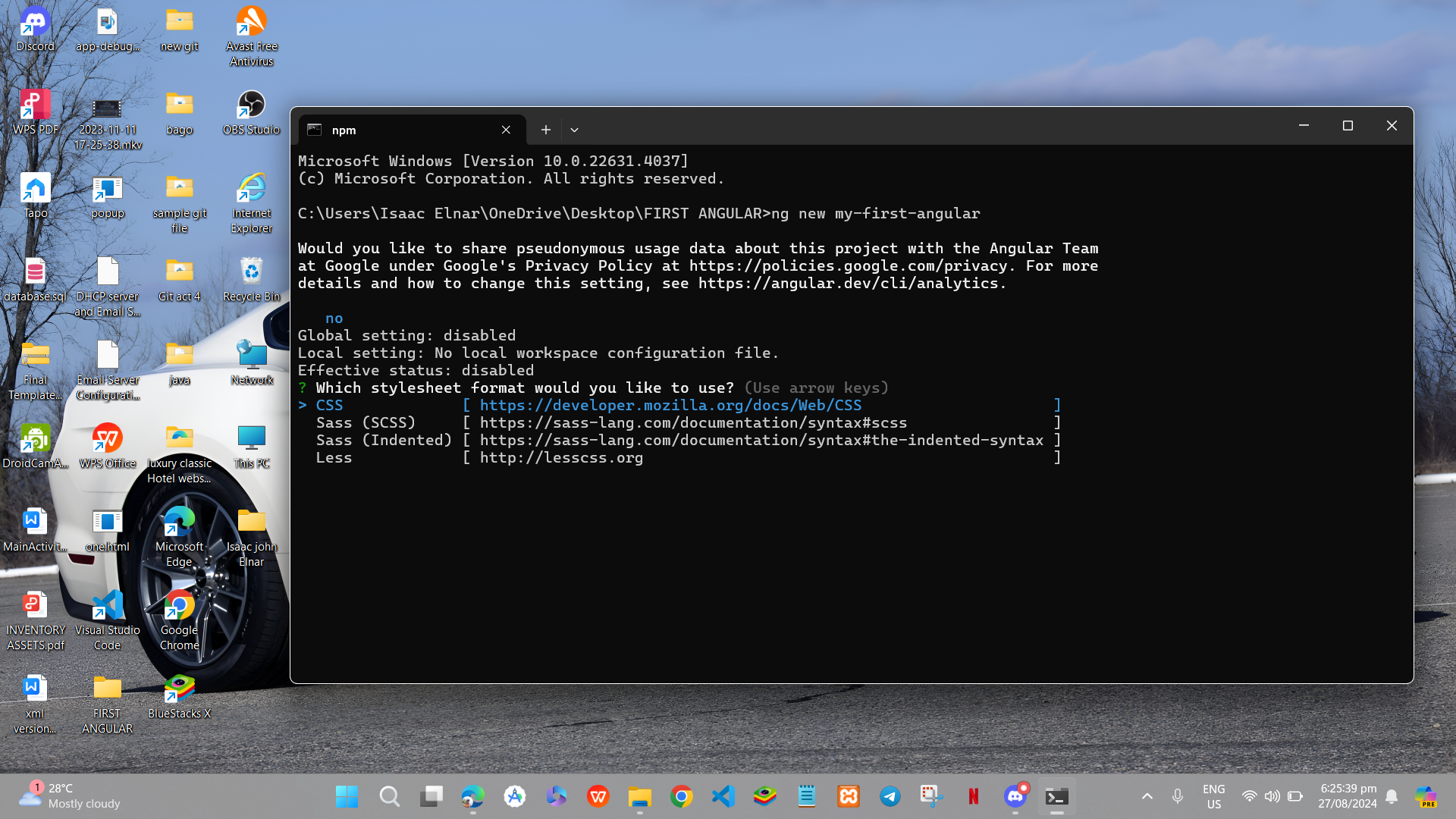
Step # 03: Create new Angular Project
to create new angular Project, you just need to type the "ng new then Project name of folder name"
Step # 04: Run the Angular
Just use the command npm to run Angular
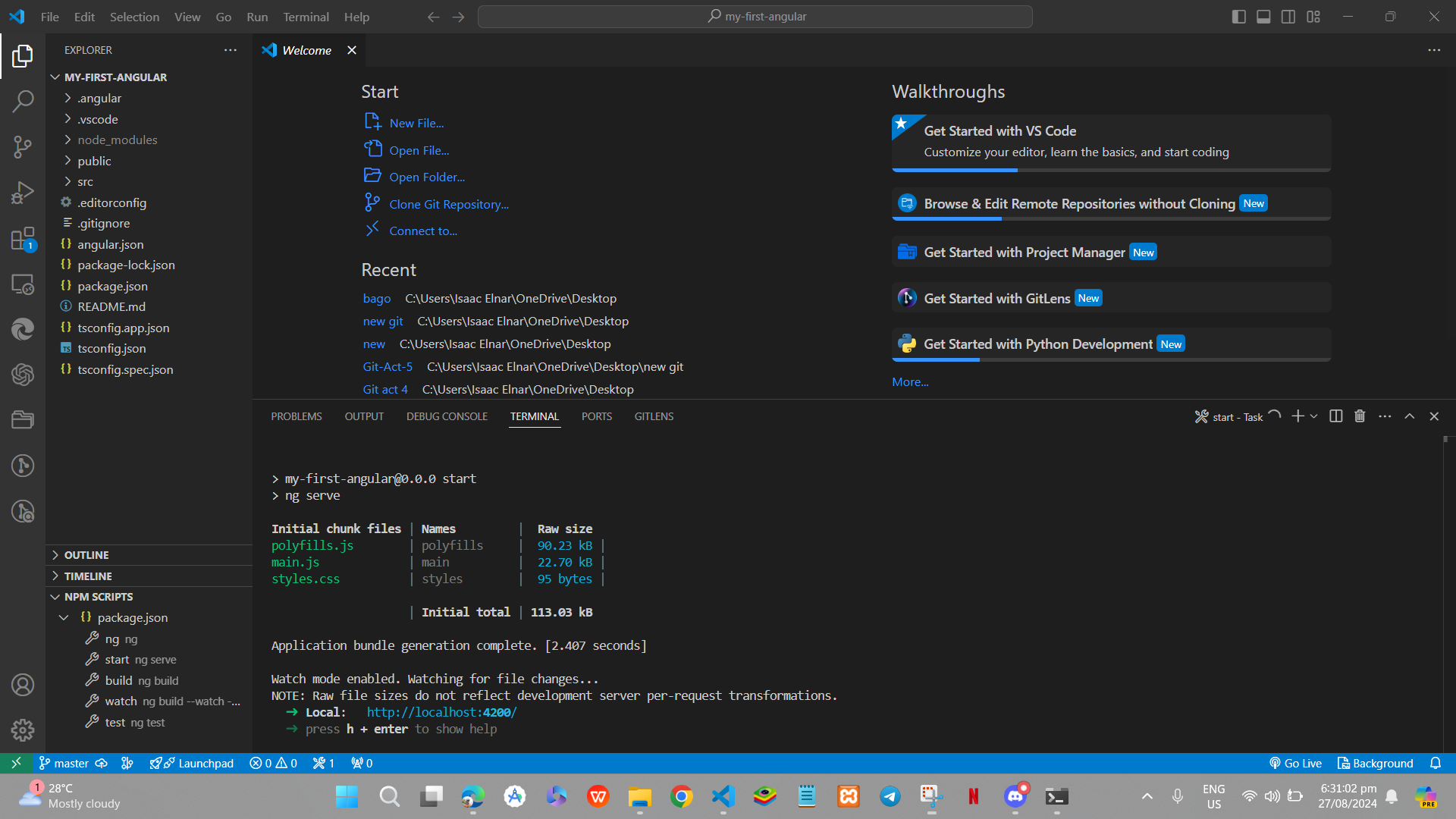
Step # 05: Make your First change
Edit your app.component.html
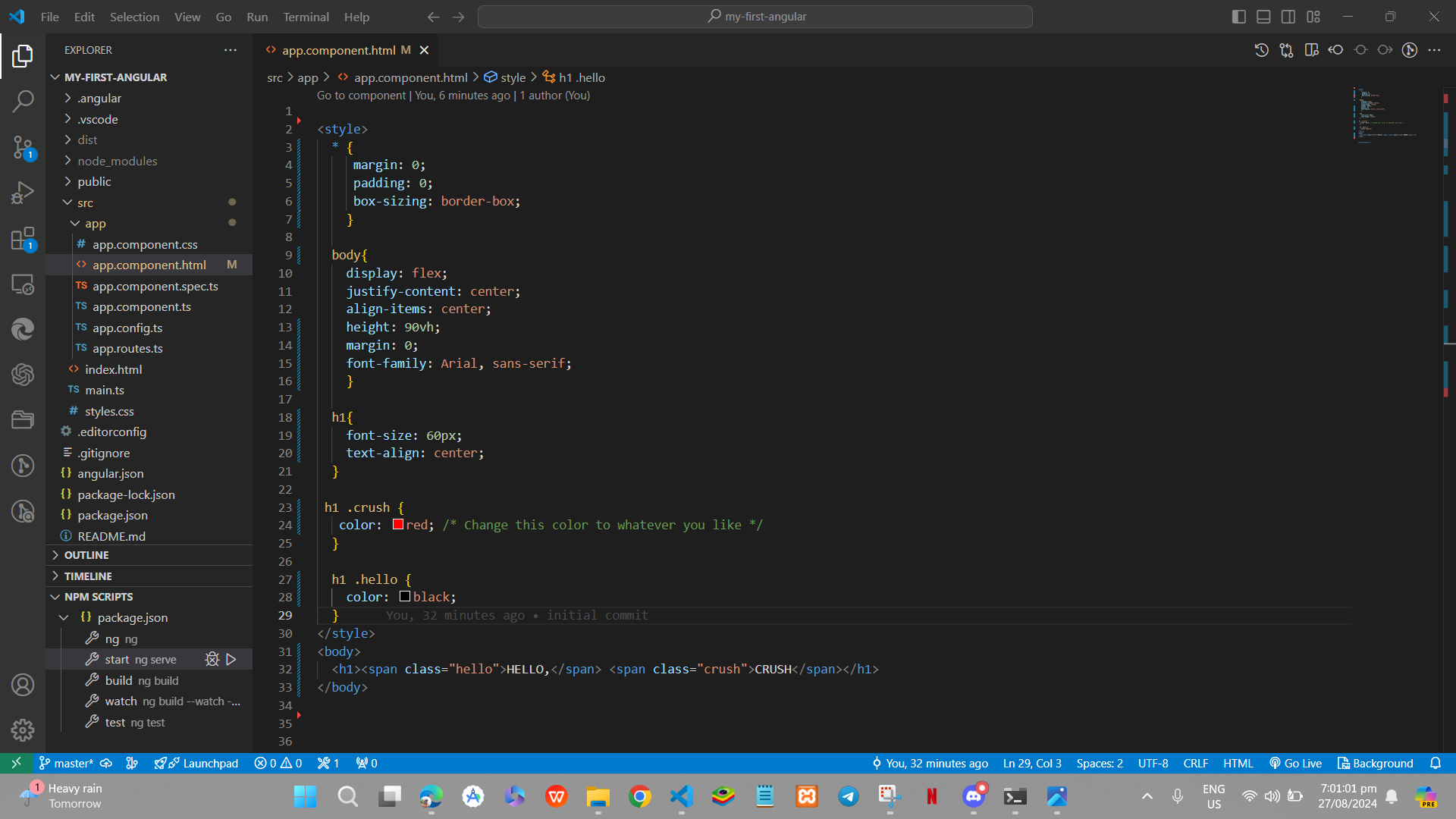
Step # 06: Build your app for production
use the command npm run build
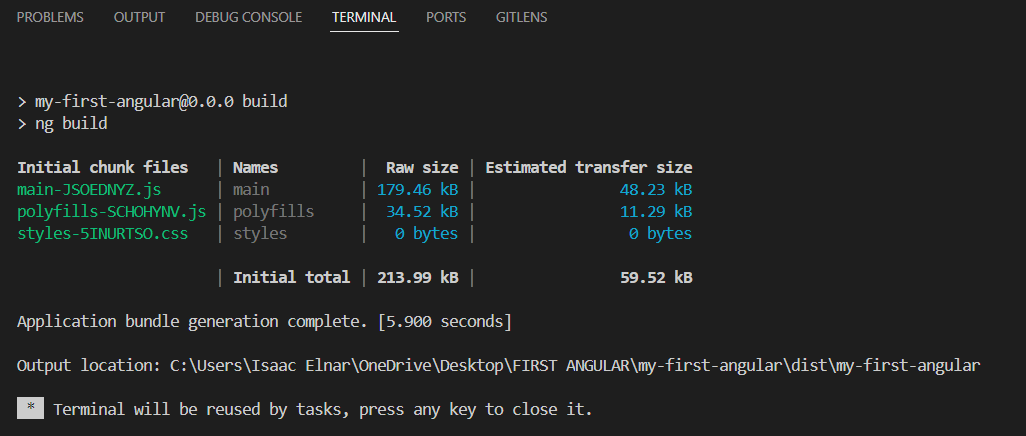
Step # 07: OUTPUT